FAQ-Xiaomi
If the app is not working correctly on a Xiaomi device, please check the following settings on the device. If these settings are blocked by Child Control, you can temporarily set them to "Allowed" under Web Portal > Security > Settings
App Details
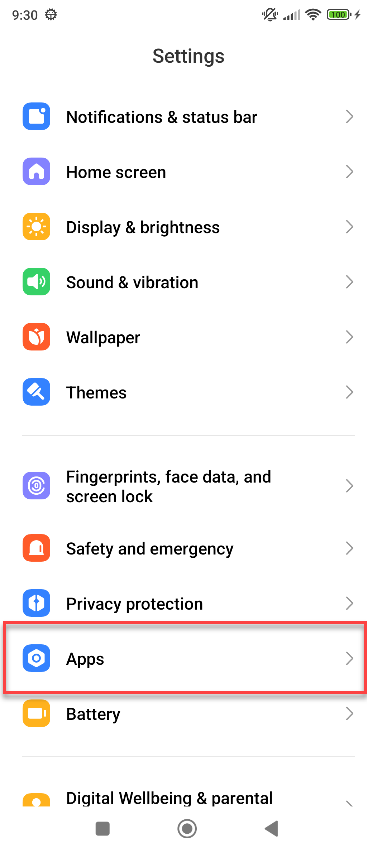
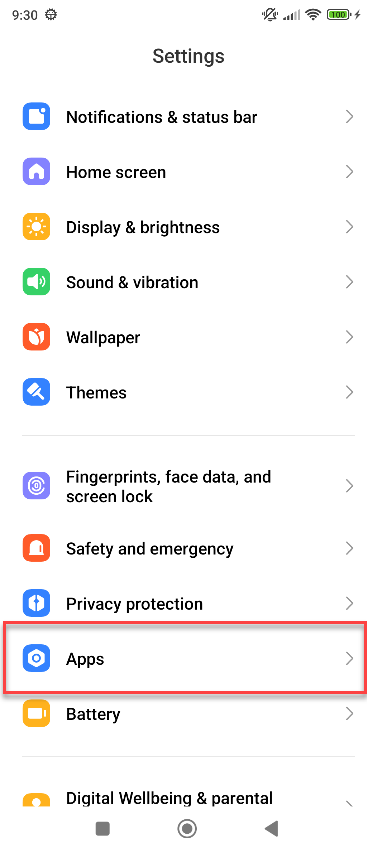
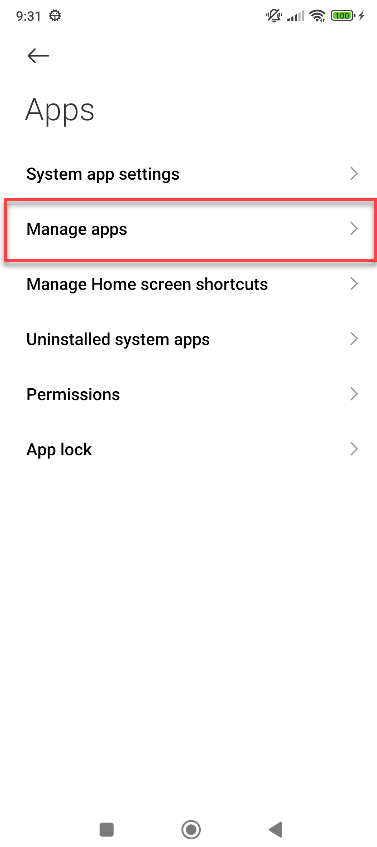
On the child's device, go to Settings > Apps > Manage Apps
|
|
Other Permissions
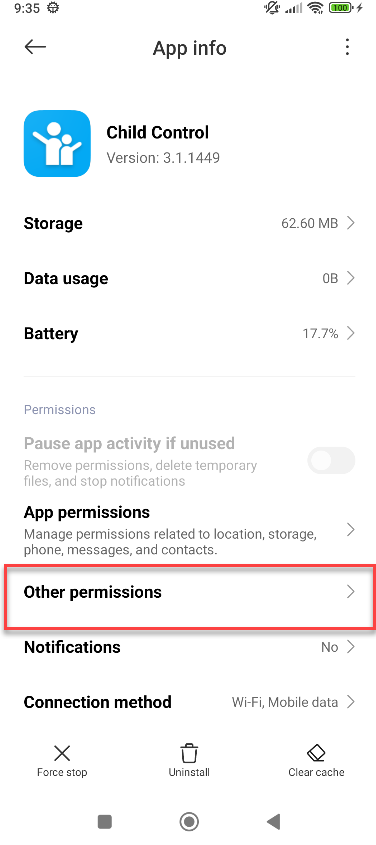
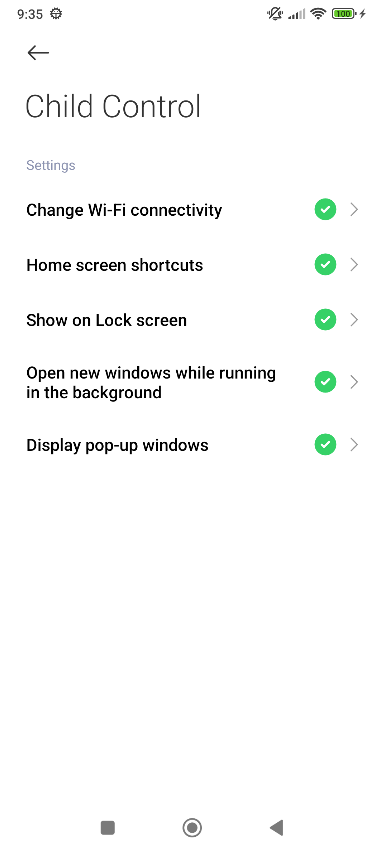
Select the Child Control app from the list of apps, then go to Other Permissions. Enable at least the last three options, including Display pop-up windows and Show on Lock Screen and open new window while running in background.
|
|
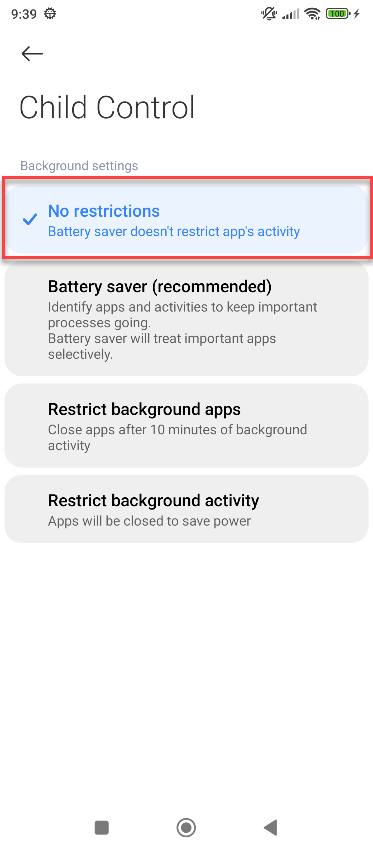
Set Battery Saving Mode
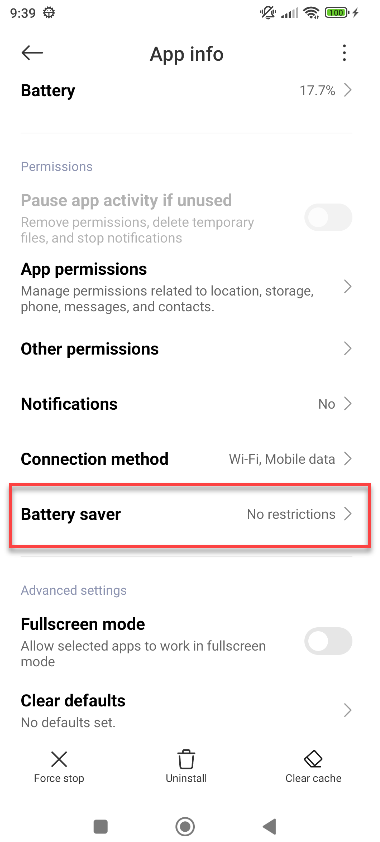
Select in the App info of Child Control app the Battery saver menu and set the battery mode to No restrictions:
|
|
Background autostart
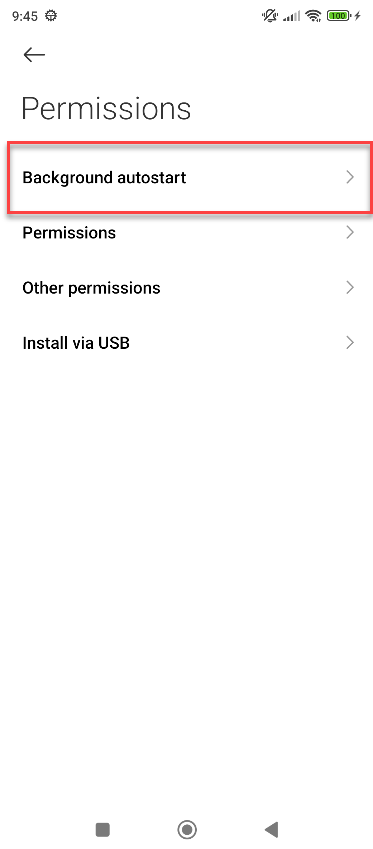
Go to settings > Apps > Permissions > Background autostart and enable there the Child Control entry.
|
|
|